
WordPress review
Open-source website software with a broad ecosystem of themes and plugins.
Best for: Publishers who want an extensible content-management system and can manage hosting or choose a managed host.
Site preview
Actual browser capture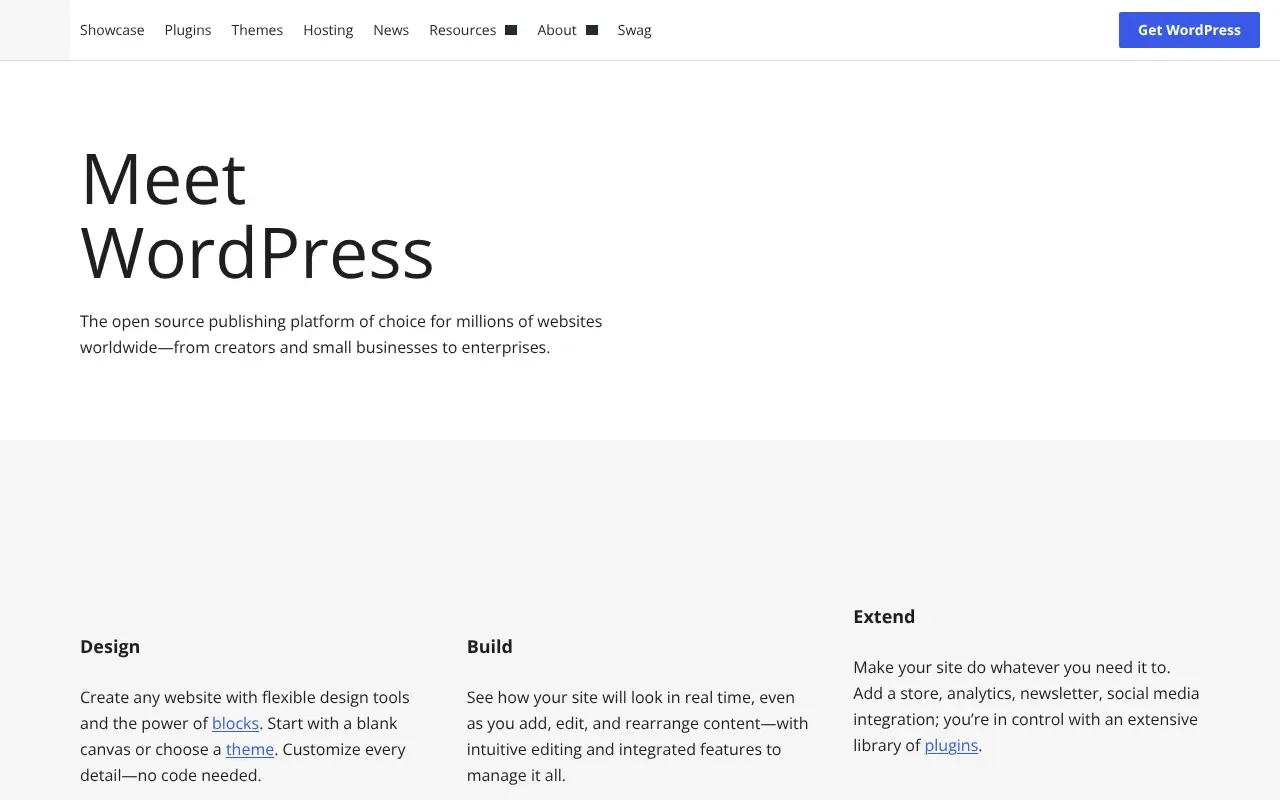
Overview
WordPress.org provides open-source website software, not a bundled promise that someone else will run the site for you. Its main appeal is flexibility: themes and plugins can support many types of publishing and business websites. That flexibility comes with decisions about hosting, design, security, updates and the plugins the project depends on.
Features and experience
A site owner can choose an existing theme, adapt a plugin or commission a custom integration. The useful question is how much of the required workflow already exists and who will maintain it. A general publishing system can be an excellent foundation, but specialist video, membership or marketplace requirements still need suitable software and configuration.
Access and costs
The directory classifies the core offering as free. Free access is not a promise that every optional feature is included. Account requirements, advertising, regional restrictions and any separate paid offers should be checked with the service itself.
Our take
A good foundation for an operator who wants control and has a realistic maintenance plan. Compare the total job, not just the free software license, against a more specialized or managed product. An inexpensive installation can become costly if essential workflows are assembled from poorly matched plugins.
Practical use and comparison
WordPress.org provides the open-source WordPress software; it should not be confused with buying a particular WordPress.com hosting plan. Its main advantage is the ability to choose a host, theme and plugins around a publishing workflow. That flexibility also creates work: someone must maintain updates, backups, security and plugin compatibility. Compare the entire operating setup, not just a free software download. A managed website builder can suit a team that values fewer operational choices, while WordPress suits a publisher who needs control over the content model and extension ecosystem.
Pros and cons
Pros
- Open-source software with extensive customization
- Large theme and plugin ecosystem
- Flexible publishing foundation
Cons
- Hosting and ongoing maintenance are separate
- Plugin compatibility needs attention
- Specialist workflows may require extra development
Sources & further reading
- Official websitewordpress.org · Public page checked